
Copy the Code Snippet
Go to Edit.
Click on Share.
 Please make sure you have selected Widget as your Form type under Settings > General.
 Select Website Builders and copy the code snippet of your chat widget.
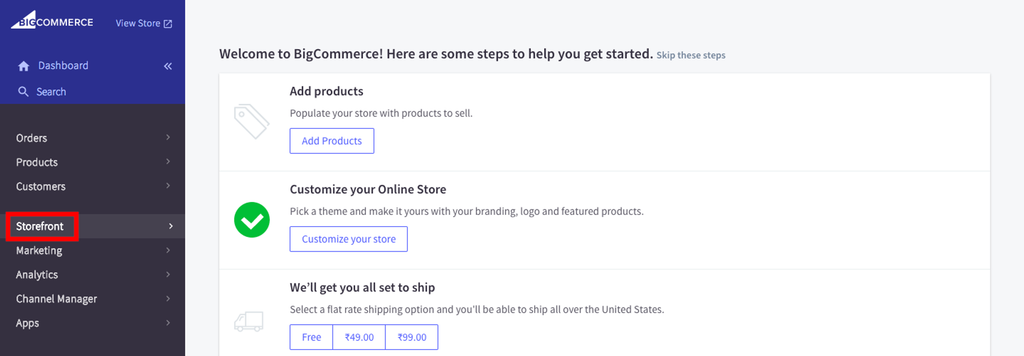
Login to BigCommerce

Select Storefront
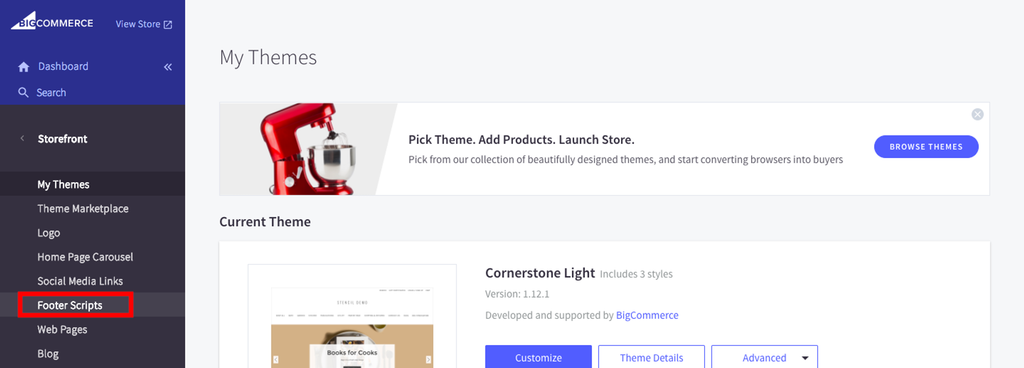
Go to Footer Scripts
Paste the Code Snippet
Paste the code snippet of your chat widget and click on Save.
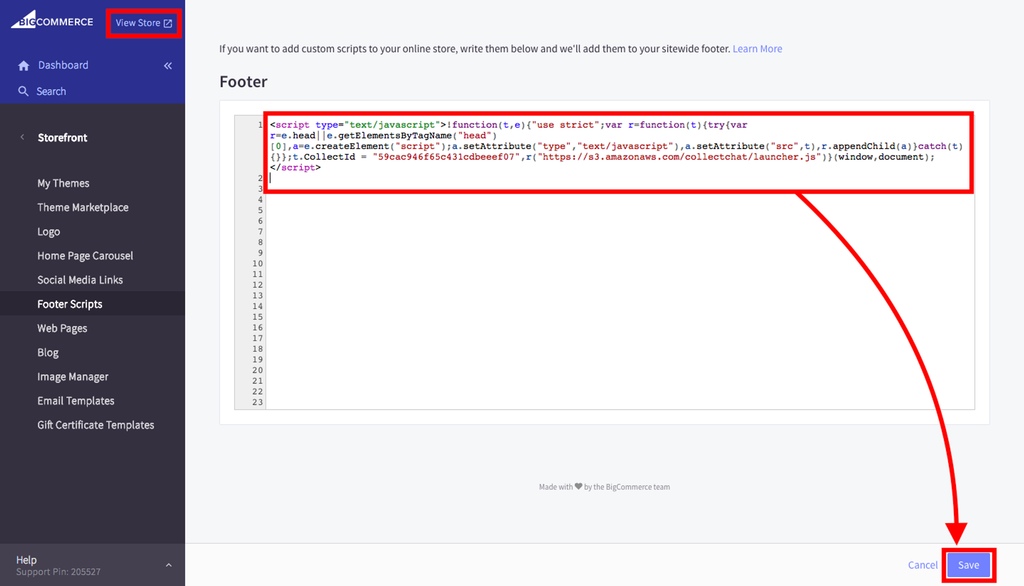
View the Store

Was this article helpful?
Still need help?
Contact us