
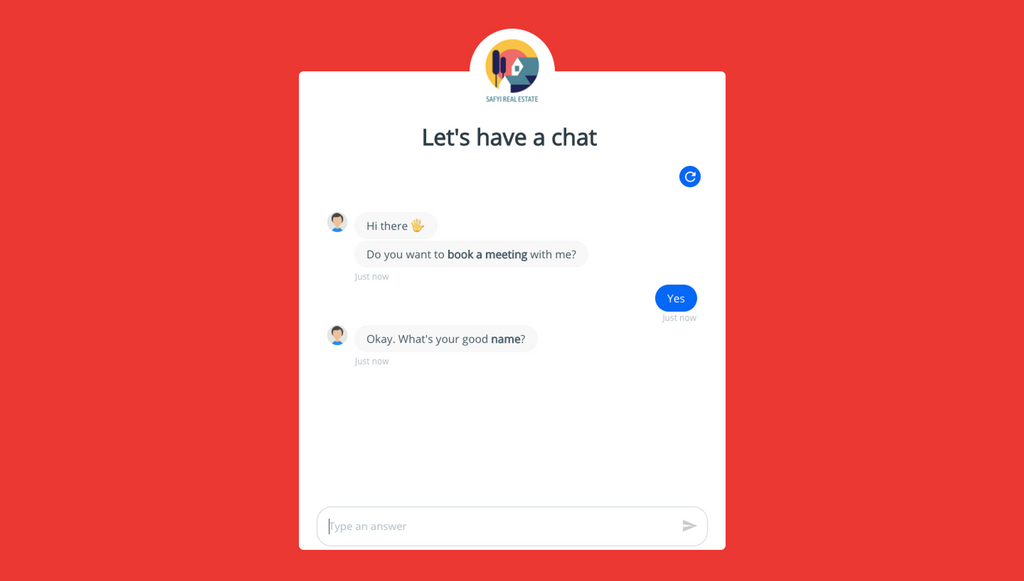
Collectchat allows you make landing pages and share them on your social media and use them in your email campaigns or SMS campaigns. When someone opens the link, the interactive form will take up the full webpage and start the interaction.
Copy the Shareable Link
Go to Edit.
Click on Share.
Please make sure you have selected Link as your Form type under Settings > General.
Copy the interactive form link.
Preview the Interactive Form
Open the link in your browser to preview your interactive form.
Note
If you want to have a custom domain for your interactive form, you can configure the same.
Tip
If you are an old user using links.collect.chat, don't worry. That link will still work. We will auto redirect links.collect.chat URLs to collect.chat links.
Was this article helpful?
Still need help?
Contact us