
Copy the Code Snippet
Go to Edit.
Click on Share.
 Please make sure you have selected Widget as your Form type under Settings > General.
 Select Website Builders and copy the code snippet of your chat widget.
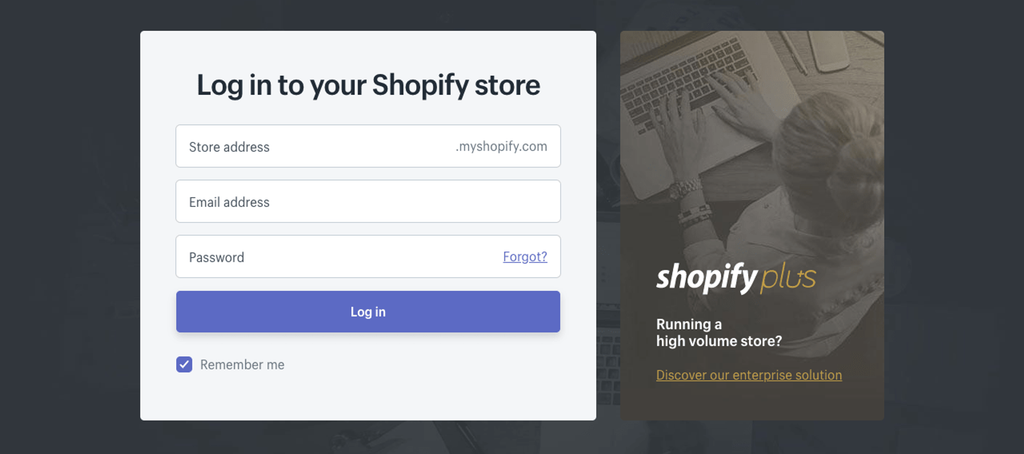
Login to Shopify
Edit the Code
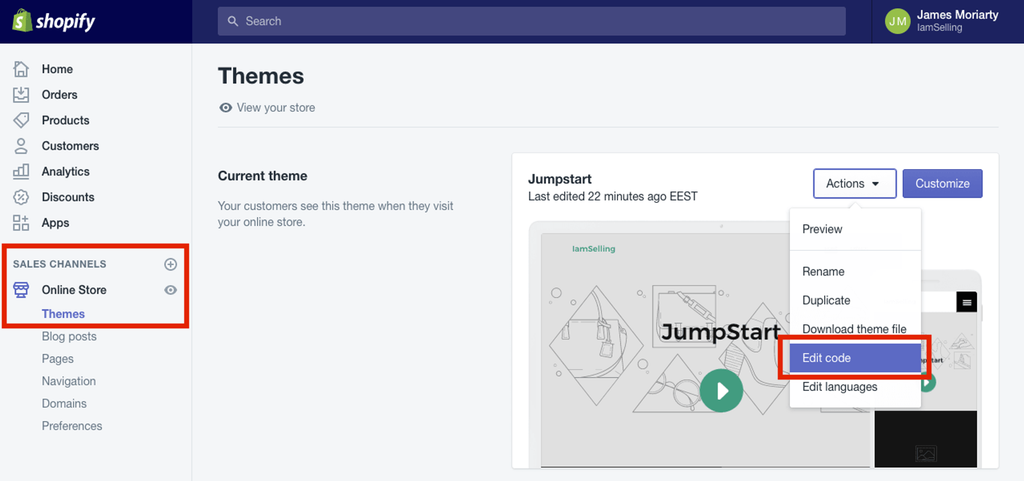
Select your Online Store. Click on Themes. Select Edit Code from the Actions menu.
Paste the Code Snippet
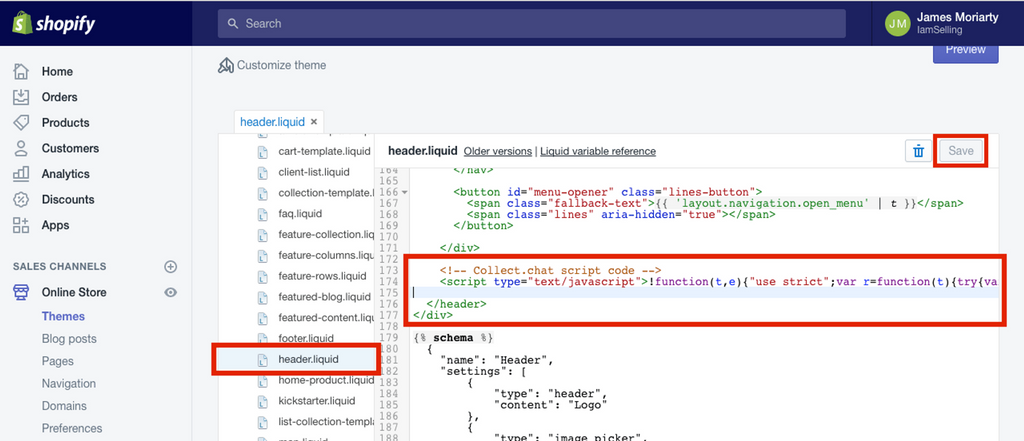
Go to Sections directory. Find the file header.liquid and paste the code snippet just before the closing of header tag. Since header.liquid is loaded on every page of your Shopify site, the chat widget will appear on every page. Click Save.
You can paste the code snippet on any other liquid template. But do keep in mind that the chat widget will only appear if that particular liquid template is loaded.
Preview the Website
Enjoy the chat widget on your Shopify site.

Note
If you can't find a single header.liquid file, you should be able to see a theme.liquid file. Adding the code snippet to that will also work.
Still need help?
Contact us