
Copy the Shareable URL
Go to Edit.
Click on Share.
Please make sure you have selected Embed as your Form type under Settings > General.
 Choose Link and copy the URL under Embed using Link.
Add to your Story
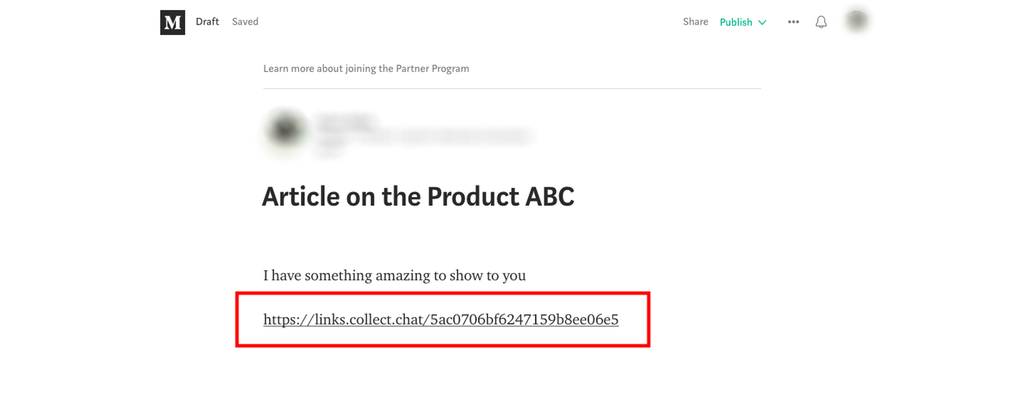
Go to your Medium story and paste the form link where you want it to appear.
When you press Enter, you will see a preview of the form, and the alignment tool of Medium will also be visible. However, you will not be able to interact with the form when you are editing this story.
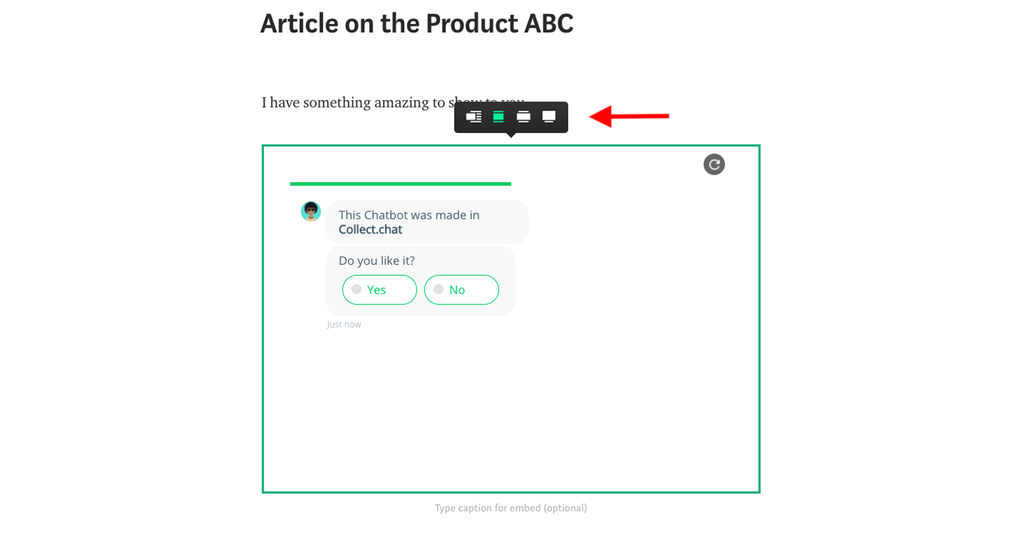
The form will become interactive when you publish the article. You can also test it by taking the shareable URL of the post and opening it in a new incognito tab. Click on Share to get this URL.

Was this article helpful?
Still need help?
Contact us