You can use Collectchat forms in three different ways. We refer to the three
different types as: Widget, Link, and Embed.
You can choose the Form type via Settings > General > Form type.
 Each Form type offers unique features and design choices. Switching Form types updates the settings menu to display the relevant options.
Widget
Widgets are the most popular way to deploy forms. They appear on your website as avatars and expand upon clicking the avatar.

A chat widget can serve as a website assistant and efficiently gather leads on your website while using minimal space.
When you're using your form in widget format, you have access to advanced behavior and targeting features.
Link
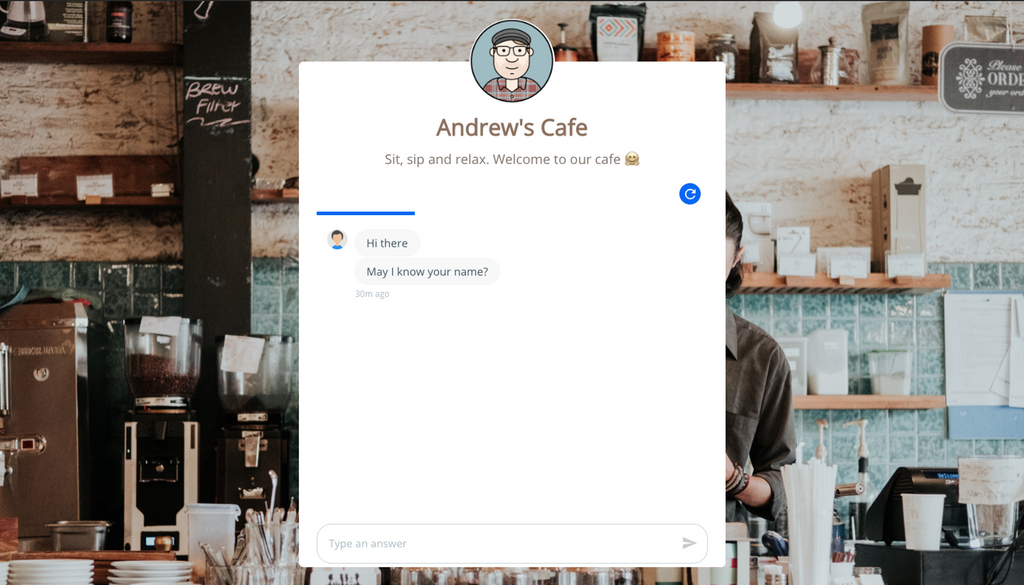
Link format allows you to design a full-page interactive form and use it as your landing page.
This is useful when you want to create a landing page to share on your social media, or use in your email and SMS campaigns. When someone opens the link, the form will take up the full webpage and start the interaction.
Embed
When you choose Embed as the Form type, you can embed the form anywhere inside your web page or even inside your blog articles. It seamlessly integrates with your design, allowing user interaction without the need to open a new tab.
Note
You can use the same form in multiple formats at once. For instance, after deploying a code snippet on your website to use the form as a chat widget, you can also convert it to a Link and share the URL on social media. Changing the Form type does not affect the deployed code snippet.
Still need help?
Contact us