
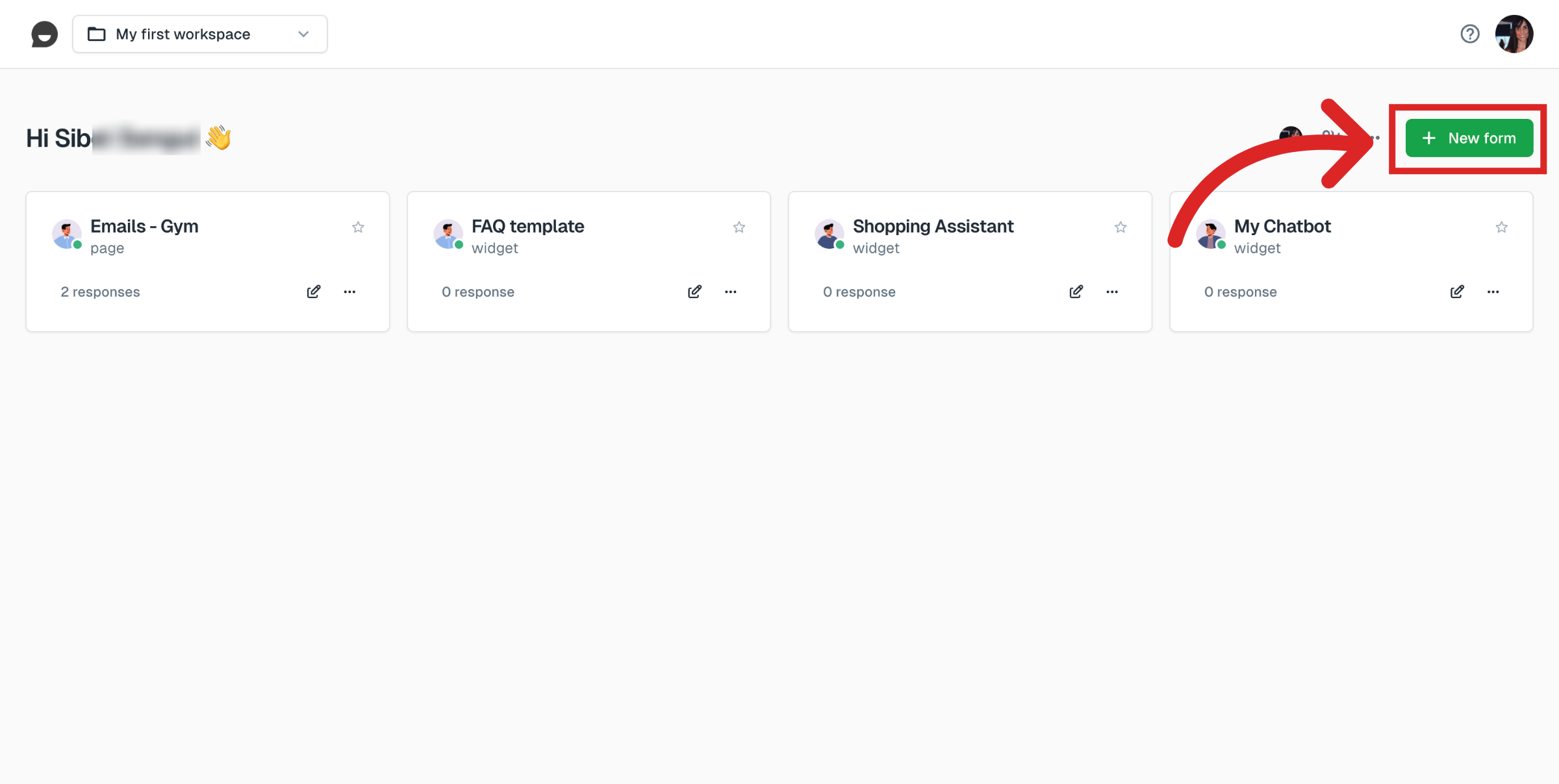
Go to your Collectchat dashboard and click on New form.
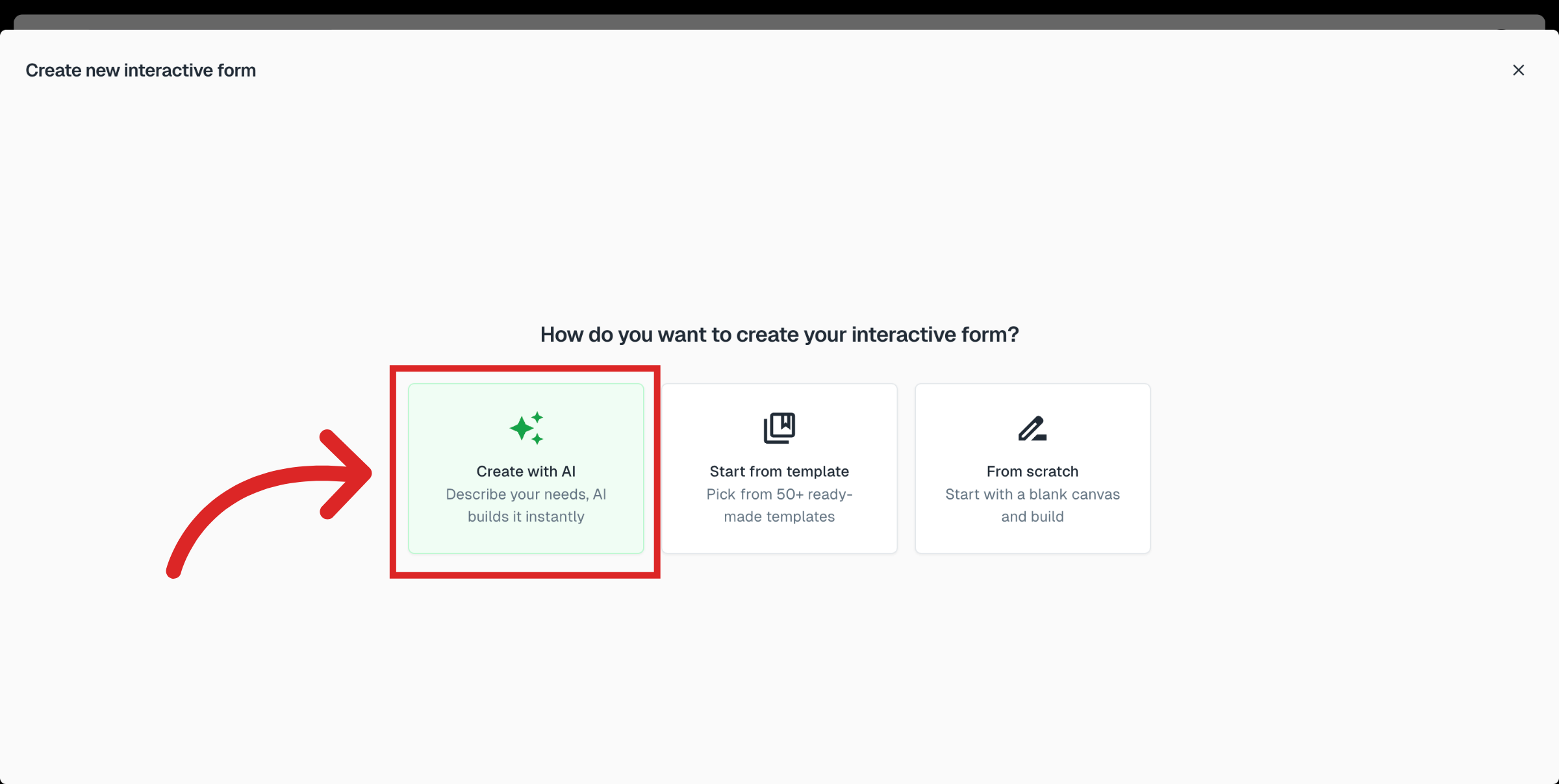
Choose the option Create with AI. When you choose this option, you will answer a few quick questions and AI will instantly create a conversational form for you.
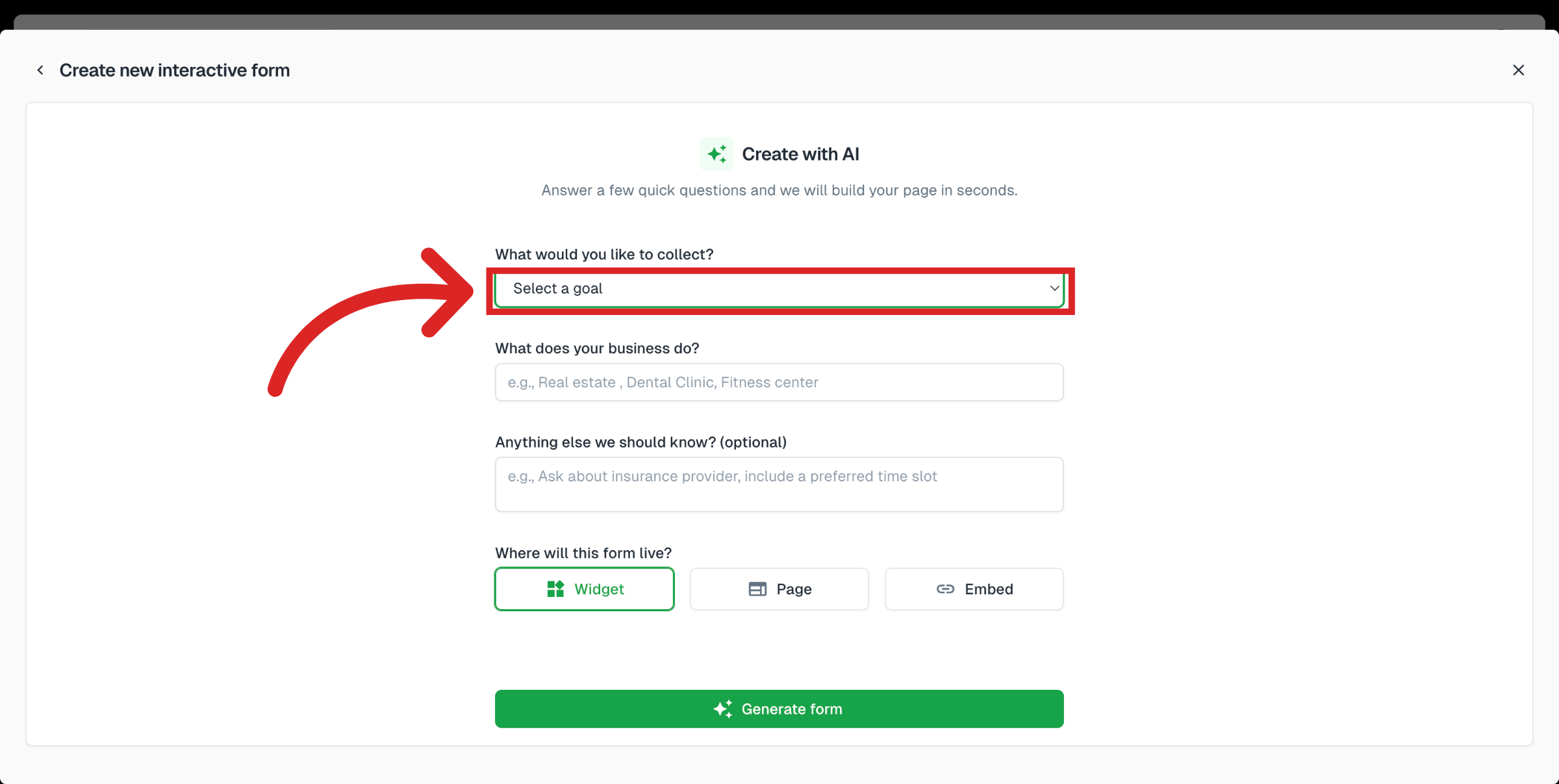
Answer these questions:
What would you like to collect? Select an answer from the dropdown list or choose Other to provide your own specific answer.
What does your business do?
Anything else we should now? (optional)
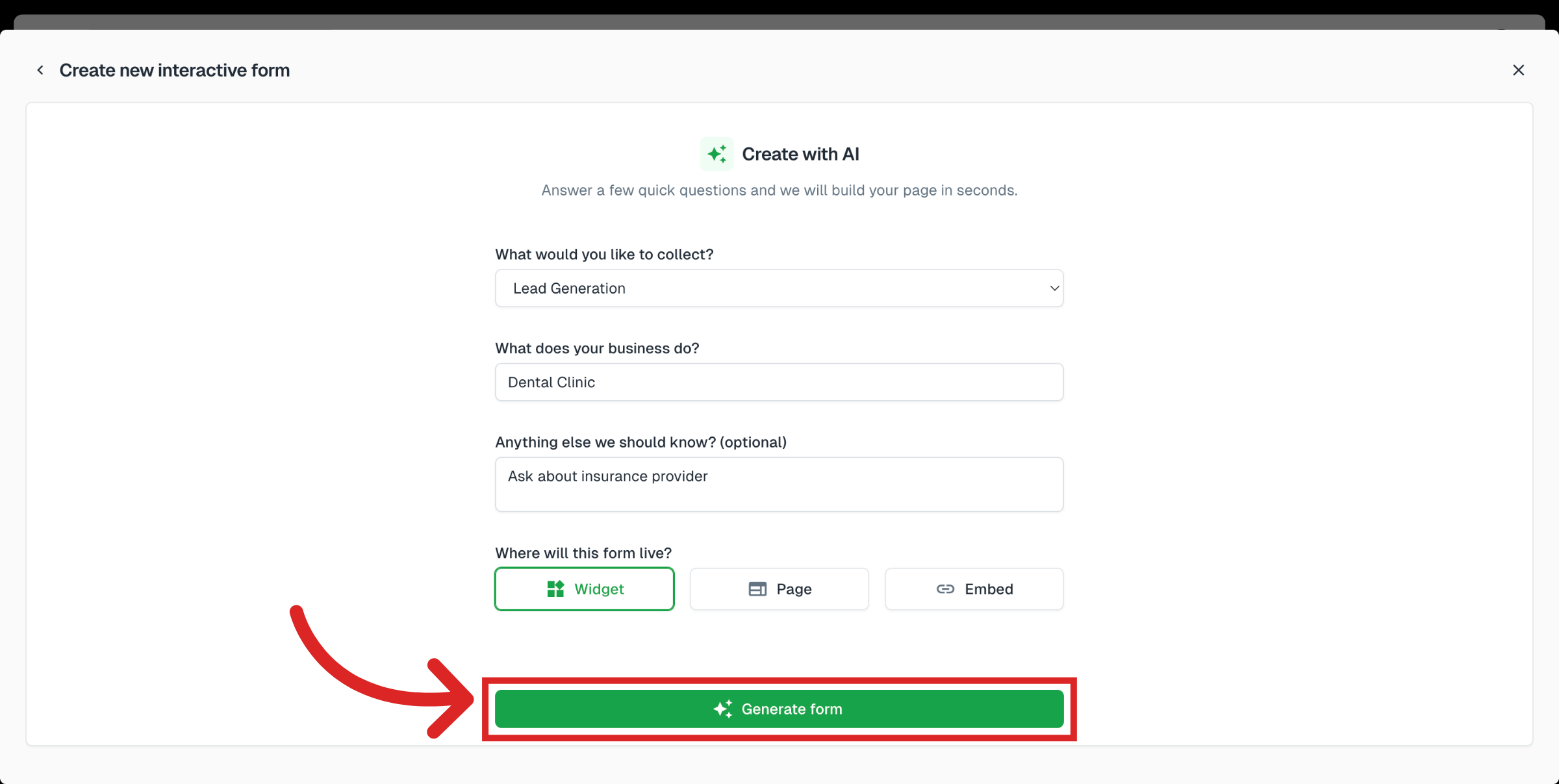
Choose the type of form you would like to create: Widget, Page or Embed. Click on Generate form.
This is it! Next you will find the newly generated conversational form created on your dashboard.
Was this article helpful?
Still need help?
Contact us